
Services
Workflow automation & internal tools
The spreadsheet-era workflow, rebuilt. This is QuantSpark Labs' flagship: the processes your teams run on spreadsheets, email chains and manual handoffs, rebuilt as AI-powered internal tools. Fixed scope, a small team and working software in weeks, integrated with the systems you already use and rolled out with the training to make it stick.
Workflow automation & internal tools is one of the ten practices behind QuantSpark's AI consultancy engagements.
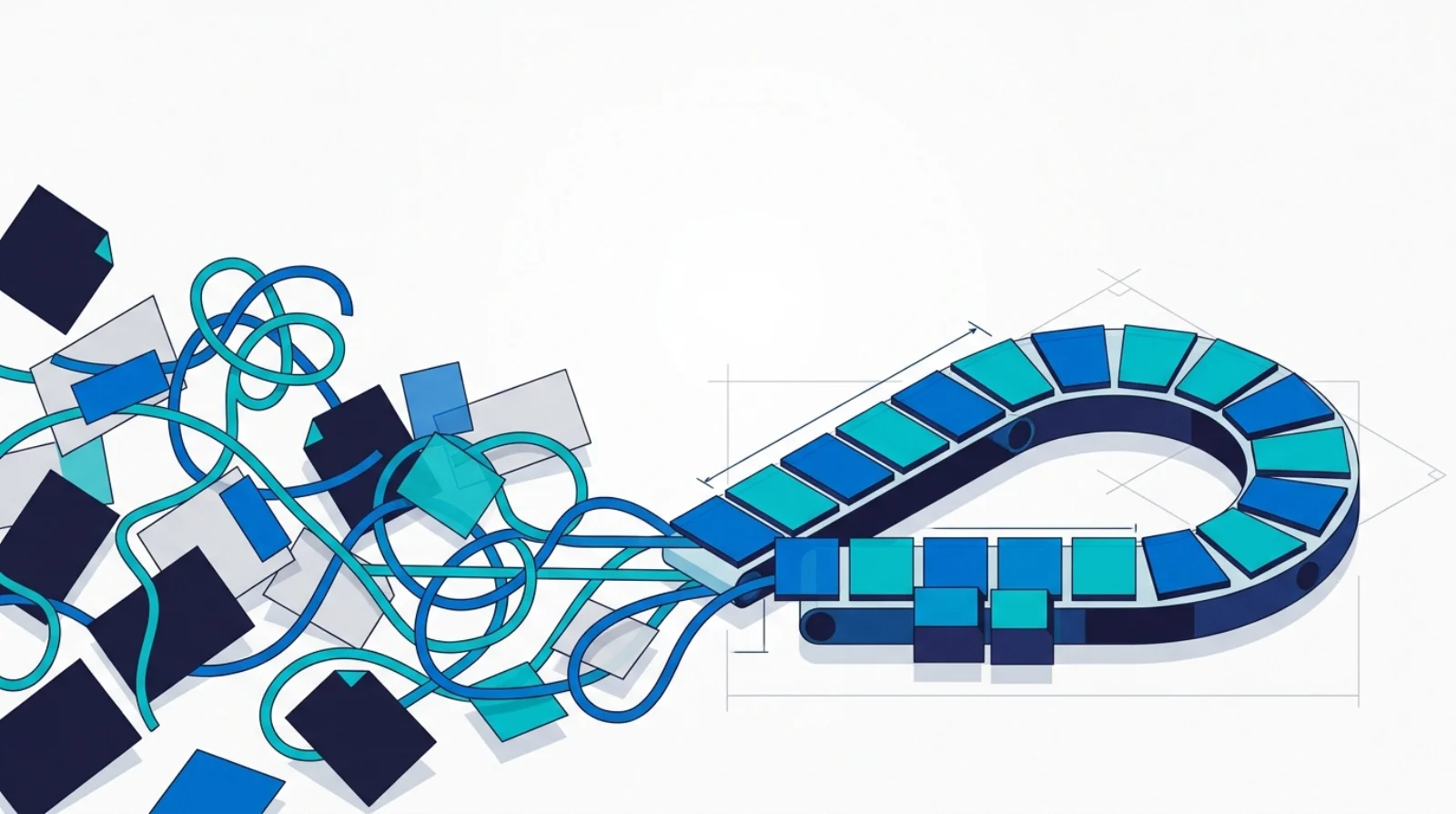
The process we optimise
The process we optimise: the operational workflow held together by hand
Most teams run a core operational process on spreadsheets, email chains and manual handoffs. An order, a case, a request or a report moves from person to person, each one copying, checking and forwarding. That workflow exists to get work through the organisation accurately and on time. The spreadsheet era does not serve that objective well: it is slow, it breaks when the person who understands the file is away, and every handoff is a place for an error to enter. We rebuild that process as a tool, so the objective is met by the system rather than by heroics.
Before and after
What changes when the system is rebuilt
The spreadsheet-era workflow
- The process lives in one master spreadsheet only a couple of people fully understand.
- Work moves by email, so status is whatever the last thread says and nothing is the single source of truth.
- Every handoff is a manual copy-and-paste, and every copy is a chance to introduce an error.
- When volume rises the only answer is more hours, because the workflow does not scale with headcount.
The rebuilt tool
- The process runs in one internal tool, with the rules and validation built in rather than remembered.
- Status is visible to everyone in real time, so no one chases an email to find out where a case sits.
- Handoffs are automated, and the routine steps that used to be typed by hand are done by the system.
- The tool absorbs higher volume without more headcount, because the work scales with software, not hours.
How we think about it
We start from the objective, then work outwards
The same discipline runs through every engagement: understand what the process is for, then design the system to serve it and measure against it.
Start from the objective
We begin with what the workflow is for: what has to come out of it, accurately and by when, and where the current spreadsheet-and-email version falls short. That objective is the yardstick the rebuilt tool is measured against, not a feature list.
Map the workflow
We map the process exactly as it runs today, every step, handoff, exception and workaround. This is where the real complexity lives, in the edge cases the spreadsheet handles by convention, and capturing it faithfully is what makes the rebuild safe.
Design the system around it
We build the tool around that workflow, with the rules and validation designed in, integrated with the systems you already use so it fits the way your team works rather than forcing a new one. We build the real cases, including the awkward ones, not a happy-path demo.
Measure against the objective
We return to the objective and measure against it: accuracy, cycle time, the hours reclaimed from manual copying. A parallel run against the old spreadsheet proves the tool matches or beats it before anyone depends on it, and monitoring keeps it honest afterwards.
An engagement, step by step
The engagement below is a representative shape, not an account of a specific client. It shows how a typical four to eight week build runs, from mapping the current process to a clean cutover with the team trained. Every project is scoped individually.
- Weeks 1 to 2
Map the current process
We sit with the people who run the workflow and document it exactly as it is, every step, handoff and exception, including the workarounds that never made it into any process document. We agree the objective and how the rebuild will be judged against it.
- Weeks 2 to 4
Build the tool in the shadow of the old one
We build the replacement tool against the real workflow, integrated with the systems you already use. Because it is modelled on the process we mapped, including the edge cases, the team recognises their own work in it rather than a generic template.
- Weeks 4 to 6
Run it in parallel
We run the new tool alongside the existing spreadsheet on live work, so any gap between the two is caught while the old process is still the safety net. This is where confidence is earned, on real cases rather than a test script.
- Weeks 5 to 7
Cut over
Once the parallel run proves the tool matches or beats the old process, we cut over. The spreadsheet is retired, the tool becomes the single source of truth, and the manual handoffs it replaced are switched off.
- Weeks 6 to 8
Train the team and hand over
We train the people who use the tool every day and hand over the documentation and runbooks. We measure against the objective set in week one, and your team owns the tool outright rather than depending on us to run it.
The deliverable is a working internal tool your team owns, measured against the workflow it replaced: faster, more accurate, and able to take on more volume without more hours.
What you get
- Process map of the current workflow
- A working replacement tool
- Integrations with your existing systems
- Rollout and training for the teams that use it
How it typically runs
Typical engagement: 4 to 8 weeks, 1 to 2 engineers, fixed-scope build.
Map the workflow
Weeks 1 to 2
Prototype
Weeks 2 to 4
Build and integrate
Weeks 4 to 6
Roll out and hand over
Weeks 6 to 8
Indicative timeline. Every project is scoped individually: book a discovery call and we will provide a detailed proposal within 48 hours.
Where it fits
This practice is delivered through one of the two QuantSpark engines.
Proof
Workflow automation & internal tools in the field
We are still tagging the library by practice. In the meantime, the full body of documented work is one click away.
Explore all our work